Client intake
Capture better client details
Organize quote requests, onboarding forms, files, budgets, and handoffs before the first reply.
Independent software recommendations
Workflow Compass helps small business owners choose practical software for client intake, email marketing, automation, CRM follow-up, invoicing, and cross-border operations.
Workflow Compass is built for freelancers, consultants, small agencies, local service businesses, and cross-border teams who need practical software workflows without hiring a large operations team.
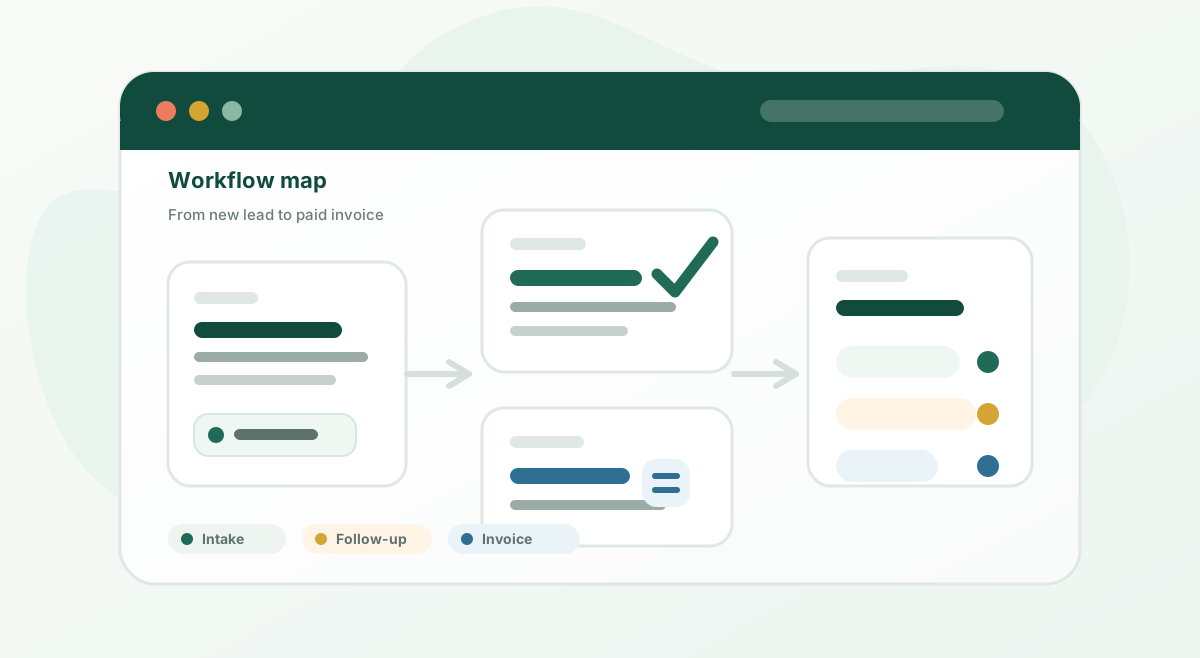
Core paths
Start with the operational job in front of you, then compare the tools that fit that workflow.
Client intake
Organize quote requests, onboarding forms, files, budgets, and handoffs before the first reply.
Customer follow-up
Stop losing quote requests, stale leads, customer notes, and proposal reminders in the inbox.
Email marketing
Create welcome emails, newsletters, reminders, and nurture sequences without a heavy system.
Workflow automation
Connect forms, spreadsheets, CRMs, email tools, and notifications when manual handoffs break.
Invoicing and payments
Send invoices, payment links, reminders, and client billing records with fewer manual checks.
Editor’s picks
A quick reading path for choosing tools before you add more software to the business.
Lead tracking
Start here if leads are scattered across email, forms, calls, chats, and quote requests.
Email follow-up
Compare GetResponse, Brevo, Mailchimp, and Kit by practical follow-up needs.
Forms
Reduce back-and-forth before projects, bookings, quotes, and onboarding.
Workflow guide
Turn each form submission into a contact, deal stage, task, and reminder.
Start here
Most small teams do not need more software. They need one messy handoff made easier.
Form builders, intake questionnaires, CRM basics, booking tools, and shared client records.
02Email marketing, reminders, automations, client check-ins, and repeatable onboarding flows.
03Quotes, invoices, payment links, e-signatures, and simple finance workflows for solo teams.
Quick finder
Choose the closest pain point below. No account, no quiz wall, just a practical starting point.
Start with client intake
If every new lead creates another email thread, a structured intake form is usually the fastest win.
Open the guideCore product lines
These are the product lines Workflow Compass is built around, with deeper reviews and comparisons under each one.
Email marketing
Best for owners who need lead capture, welcome emails, newsletters, and basic nurture sequences without a complicated funnel.
Client intake
Best for quote requests, onboarding forms, file uploads, and reducing the email back-and-forth before a project starts.
Automation
Best for connecting forms, email lists, CRMs, spreadsheets, and notifications when manual copy-paste starts creating mistakes.
Client follow-up
Best for seeing every lead, next action, last contact date, and proposal status in one place.
中文跨境收款
面向跨境卖家、联盟佣金和海外客户收款,重点看平台支持、费用、币种和合规记录。
Growth support
Best for owners who need design, copy, SEO, video, website fixes, or simple automation help without hiring full-time.
Pain-point guides
Use these when you already know the problem, but need help choosing the first clean workflow.
Automation comparison
Choose the right automation tool by workflow complexity, not by app directory size.
Form builder comparison
Compare workflow-heavy intake forms with polished conversational forms.
Email marketing comparison
Pick an email tool based on newsletters, welcome sequences, landing pages, and budget needs.
Follow-up workflow
A simple CRM workflow for quote requests, proposal status, and follow-up reminders.
Form alternatives
Compare Typeform, Tally, Google Forms, and HubSpot forms when Jotform feels too much.
Email alternatives
Compare GetResponse, Brevo, and Kit when newsletters are not enough.
CRM workflow
Map form fields into contacts, deals, and follow-up tasks before connecting tools.
Automation workflow
Turn form submissions into a simple shared tracker, then use Make for alerts and cleanup.
Lead handoff
Map form fields into CRM contacts, owners, statuses, and follow-up tasks.
Lead tracking
Choose the first tool when leads are scattered across forms, email, chat, calls, and referrals.
Intake to CRM
Turn form submissions into contact records, tasks, deal stages, and follow-up reminders.
Quote follow-up
Compare HubSpot, Pipedrive, and Zoho for proposal status and quote follow-up.
Outsourcing
Choose Fiverr for fixed services and Upwork for longer custom projects that need more collaboration.
Common questions
For service businesses that need quote requests, onboarding questions, file uploads, and internal handoff, start with client intake form builders and compare Jotform, Typeform, Tally, and Google Forms.
It depends on whether you need newsletters, welcome emails, landing pages, or automation. Our Mailchimp vs Brevo vs GetResponse comparison explains the tradeoffs.
Zapier is often easier for simple one-step workflows, while Make can be stronger for visual multi-step automation. Start with the Make vs Zapier guide.
The first fix is usually a simple CRM follow-up system: lead source, quote status, next action, owner, and reminder date. See the quote follow-up workflow.
Latest updates
Explore by workflow
A shorter reading list for evaluating tools before you apply for partner programs or add affiliate links.
Best Picks
Compare practical tools for capturing leads, collecting project details, and reducing back-and-forth emails.
Review
A plain-English review of when Jotform is useful, where it can feel limited, and who should consider it.
Guide
A simple software stack for intake, booking, proposals, follow-up, signatures, and invoices.
Review
A practical look at Brevo for bulk campaigns, customer follow-up, open/click tracking, and simple automation.
Review
Track leads, quote status, tasks, reminders, and next actions before customers disappear.
Best Picks
Compare HubSpot, Pipedrive, Zoho, Airtable, and spreadsheets by follow-up workflow fit.
Workflow Guide
Build the handoff from form submission to CRM contact, deal, task, and follow-up email.
Comparison
Choose between Brevo and GetResponse based on follow-up, landing pages, funnels, and customer messaging needs.
Best Picks
Start with the tools that reduce repeated manual work: email follow-up, forms, CRM, automation, and chat.
Guide
Build a simple follow-up workflow after inquiries, quotes, bookings, purchases, and missed replies.
Review
See when GetResponse is a good fit for email marketing and where it may be more tool than you need.
Review
See when Make is useful, where beginners get stuck, and which first workflow is worth testing.
Automation Guide
Use a form, spreadsheet, and Make scenario to reduce manual copy-paste after new inquiries.
Automation Guide
Make every form lead easier to track with a CRM record, owner, status, and next action.
Review
A practical look at chat, email capture, and support follow-up for small teams.
Review
A practical look at FreshBooks for small business invoicing, payment reminders, and client billing workflows.
Best Picks
Compare FreshBooks, QuickBooks, Wave, Stripe, PayPal, Square, and Zoho by billing workflow fit.
Guide
A decision checklist for buying fewer tools and choosing the ones that actually save time.
Growth Support
A small section for owners who need design help, creator outreach, or extra execution support without hiring a full marketing team.
Start here
Compare creator outreach, freelancer marketplaces, brand design help, and simple tracking workflows.
Creator outreach
Track creator lists, offers, samples, approvals, post dates, and campaign follow-up in one workflow.
Brand design
Choose between DIY design tools, freelancers, and design contest platforms based on the job.
Freelancer marketplaces
Use Fiverr for packaged deliverables and Upwork for longer projects that need discovery.
Fiverr services
Start with fixed-scope help for design, copy, video, SEO, website fixes, and simple automation.
Seasonal archive
The 2026 World Cup has ended, but the underlying workflows still apply to local events, holiday promotions, product launches, sports campaigns, and other short traffic spikes. Use these archived guides for reservations, email capture, reminders, and post-event follow-up.
Start here
Review the 2026 workflow as an archived example, then adapt the offer, capture, reminders, and follow-up for the next seasonal campaign.
Marketing checklist
Reuse the checklist for local events, holiday promotions, product launches, and other short campaign windows.
Email list
Reuse the permission-based signup and follow-up workflow after any short-term traffic spike.
Reservations
Choose between forms, booking tools, ticketing, and payment links for future events.
Promo stack
Reuse the lean landing page, form, email, CRM, and payment stack for the next campaign.
Realistic use cases
These are hypothetical, clearly labeled workflow examples, not claims about real advertisers or customers.
Client service
A realistic service-business scenario for turning inquiry emails into a repeatable onboarding workflow.
Ecommerce
A simple store workflow for welcome emails, product education, reminders, and post-purchase follow-up.
Editorial standards
Chinese branch
Workflow Compass also has a focused Chinese section for cross-border teams, independent store owners, and overseas Chinese founders who work with English-language SaaS tools.
The Chinese section is not a full duplicate of every English page. It covers topics where Chinese readers have a different search intent, such as cross-border payments, inquiry follow-up, and seller workflows.